flowweaver · Kom igång
Kom igång med editorn
En översikt över hur editorn hänger ihop — grundkoncepten, vad menyerna gör och hur du gör det vanligaste. Vill du hellre se det steg för steg finns en genomstegning: bygg en frågeguide.
Ångra finns inte för dina misstag. Den finns för att du ska våga prova.
Grundkoncepten
Noder
Varje steg i guiden är en nod: frågor, regler, uträkningar och resultat. Du drar in dem från paletten till vänster.
Portar & flöde
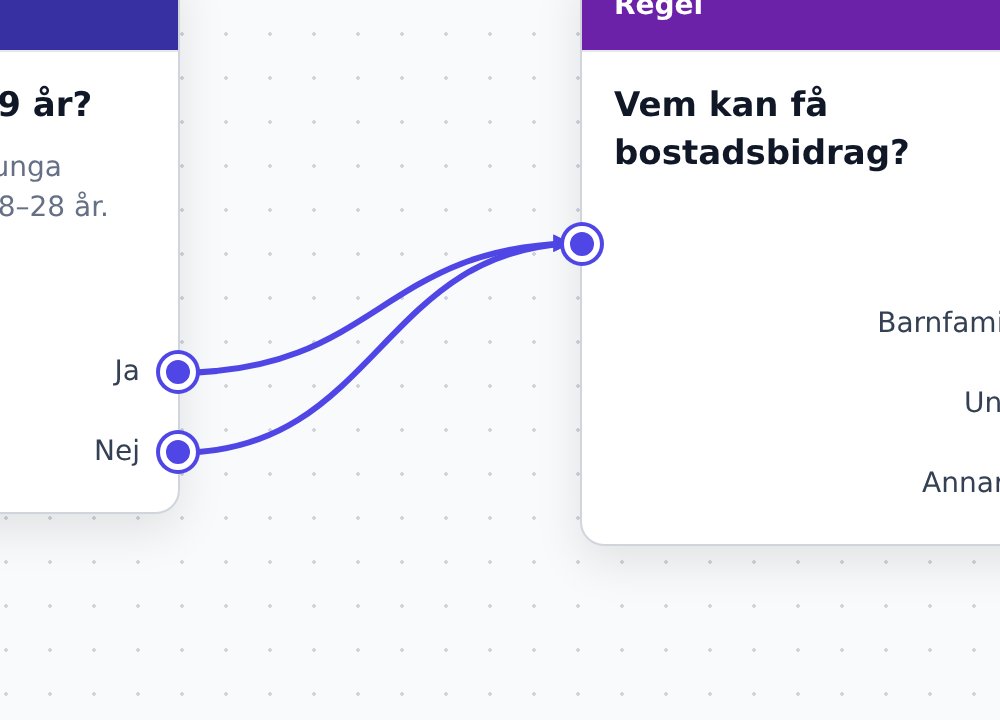
Noder kopplas ihop genom att dra en linje från en nods utgångsport till nästa nods ingång. Kopplingarna är guidens väg.
Regler & variabler
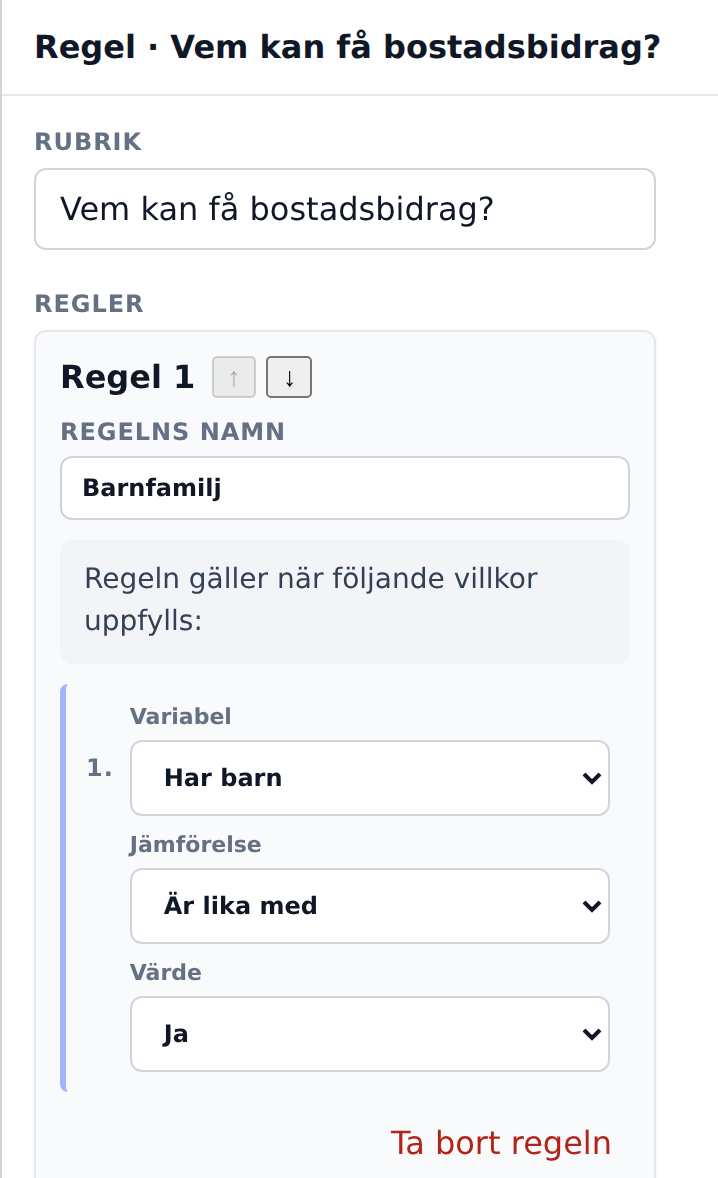
Frågor kan spara svaret i en variabel. En Regel väljer sedan vilket resultat besökaren hamnar på utifrån svaren.
Moduler
Funktioner är paketerade i moduler (Grund, Logik, Innehåll, Fält, Värdens tjänster, Tjänst). Du slår på det du behöver i Moduler-menyn.
Menyerna
Arkiv
- Exportera guide – hela guiden som en fil i ett standardformat, för säker kopia eller versionshantering.
- Importera guide – läs in en sparad guide.
- Återställ – börja om från exempelguiden.
Redigera
- Ångra / Gör om – stega i historiken (Ctrl/⌘+Z).
Guide
- Visa startpunkt – hoppa dit guiden börjar.
- Nodmallar – skapa egna nodtyper och återanvänd dem.
Moduler
- Kryssa på/av funktionspaket. Grund är alltid på; Logik, Innehåll, Fält, Värdens tjänster och Tjänst låser upp mer. Värdens tjänster är fälten som kräver att något byggts hos er först: uppslag, fil, karta.
Visa
- Zooma in/ut, Passa in (F), helskärm och mörkt läge.
Hjälp
- Rundtur – en guidad genomgång direkt i editorn.
- Kortkommandon – hela listan (?).
Längst till höger byter Språk-väljaren vilket innehållsspråk du redigerar.
Hur gör jag…
- Lägga till en nod? Dra in den från paletten till canvasen.
- Redigera en nod? Klicka på den och fyll i i Egenskaper-panelen till höger.
- Koppla ihop noder? Dra från en nods utgångsport till nästa nods ingång.
- Grena på ett svar? En enkelvalsfråga grenar via sina alternativ; en Regel väljer resultat utifrån variabler.
- Ta bort / duplicera / flytta? Delete tar bort, Ctrl/⌘+D duplicerar, piltangenter flyttar.
- Prova guiden? Fliken Förhandsgranskning i sidopanelen kör den steg för steg.
- Bygga en sida med flera fält? Lägg in en Sida (Tjänst-modulen); Rubrik och Blank rad dyker upp i paletten då.
- Anteckna? Dra in en Anteckning och peka med pilen — den syns bara i editorn, inte för besökaren.
- Spara? Sker automatiskt i webbläsaren (Ctrl/⌘+S påminner om det).